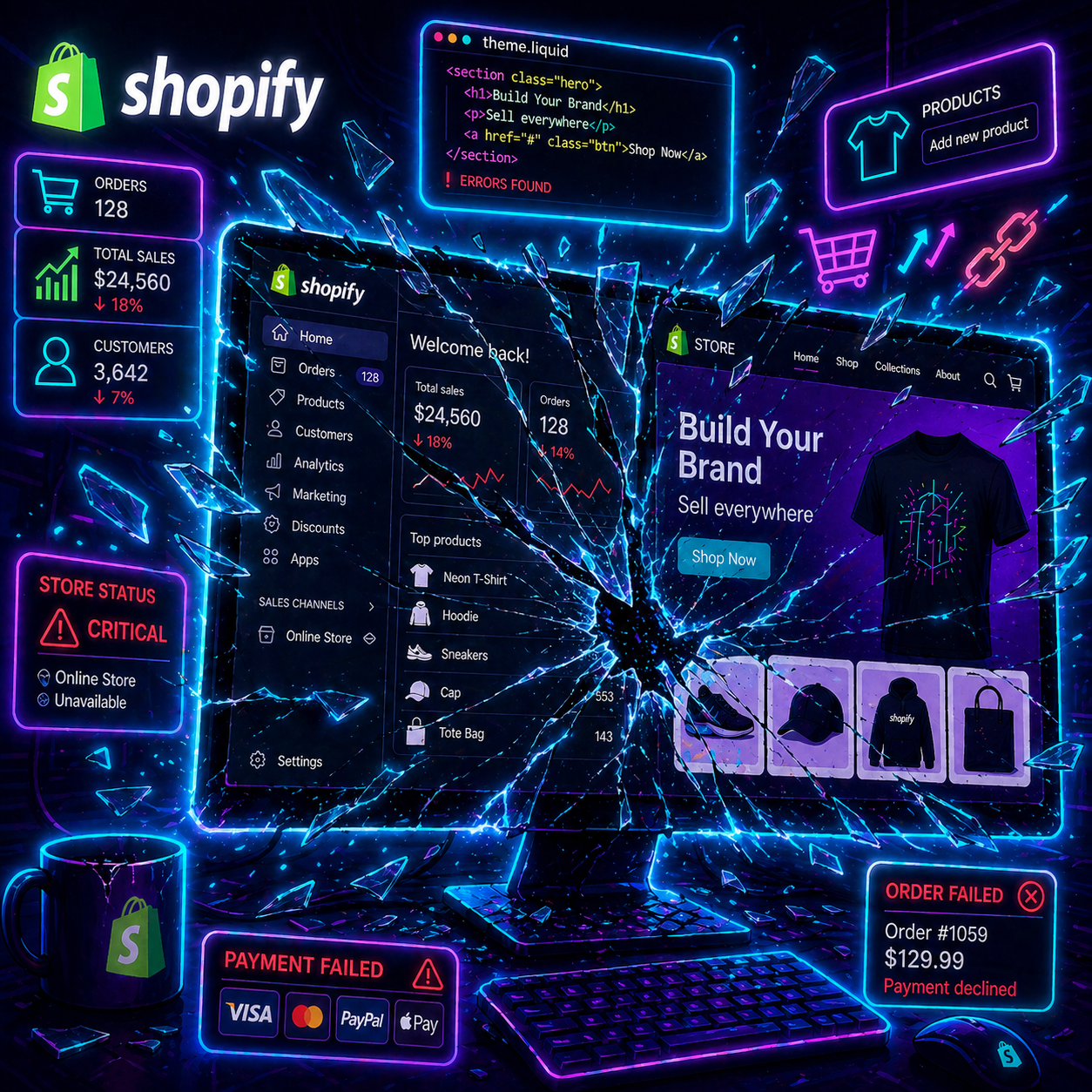
A true story (and more common than you think)
A DTC founder launches a supplement store on Lovable. Nice site, custom DNS pointing to his domain, everything works. Great.
Later on, he decides to connect Shopify to handle inventory, orders, and payments. He clicks "native Shopify integration" inside Lovable. And nothing works anymore.
His store stayed offline for 7 days. He lost sales and time. He reinstalled the app, changed his email, submitted the right admin URL on every attempt. None of it worked.
Because the bug wasn't on his side. The bug was inside Lovable.
If you're vibe coding an e-commerce store and you're considering this stack, read this before you click.
The exact symptom
You click "connect Shopify" from Lovable. Instead of opening a picker so you can choose your real store, the agent silently reconnects you to a sandbox store that Lovable auto-created at project setup, something like n1y4bg-d9.myshopify.com.
Concretely:
- The "Lovable Project" field inside the Shopify Lovable app stays empty and read-only. You can't fill it in.
- Checkout technically works, but redirects to
myshopify.cominstead of your custom domain. - Your main domain serves the default Shopify theme, no longer the frontend you built in Lovable.
What your customers see: your site is broken. They land on a Shopify placeholder, not your product.
What the founder tried (without success)
When this happens, the instinct is to reinstall everything. Here's what the founder tried, with nothing changing:
- Uninstalling and reinstalling the Lovable app inside Shopify. Multiple times.
- Disconnecting and reconnecting from Lovable.
- Making sure his Shopify and Lovable accounts used the exact same email.
- Submitting the correct admin URL (
admin.shopify.com/store/your-store) every single attempt.
Every attempt pointed him back to the sandbox. If you're in the same spot, it's probably worth skipping that path and going straight to a support ticket (see below).
What we know about the problem
The Lovable agent eventually came clean:
"The reconnection flow is reusing the cached link instead of opening the selection. This is a Lovable platform problem. The backend needs to manually clear the cached link."
Translation: there's a cached Shopify link sitting in Lovable's backend. The fix lives in their database. The founder doesn't have access. Nobody in the community has access. Only a human at Lovable support can clear that cache by hand.
The hypothesis on the table (not yet confirmed)
The founder thinks it comes down to setup order. He built the Lovable project and configured the DNS first, then added Shopify after. That's exactly what most Lovable users do: they build a site they like, ship it, and tell themselves "OK now I'll add the e-commerce layer." Logical.
This hypothesis is consistent with what we see: a cache pointing to a sandbox auto-created at project setup that doesn't update when you connect a real store later. But nobody has officially confirmed that's the cause. It's the leading theory.
And searching online, there's no resource covering this topic.
What to do if you're stuck
Short term, three things:
1. Open a Lovable ticket and push. Explicitly ask them to clear the cached Shopify link on their backend.
2. Keep the store online with a workaround. While you wait, point your domain to your native Shopify theme. You lose the custom frontend, but customers can still buy. Not great, but better than 7 days offline.
3. Document everything. Screenshots, logs, dates. If you eventually have to migrate, this paper trail will be useful.
The real lesson (that goes beyond Lovable)
This bug isn't an isolated accident. It's what happens when you build on a closed connector you don't control.
When the fix lives in someone else's backend:
- You can't debug it.
- You can't speed up the resolution.
- You wait. While you wait, your store is offline.
That's exactly the dependency you don't want for a critical function. Not a design panel, not a marketing widget. Checkout. The thing that turns a visitor into a customer.
Vibe coding gives you speed. But every magic connector you plug in has a hidden cost: you give up control. As long as it works, it's great. The day it breaks, things get more complicated.
Should you migrate, then?
That's the question every founder asks me when they hit this. The honest answer: it depends.
Migrating to a standalone stack (Next.js + Shopify Storefront API + Vercel) would solve the problem: you take back the frontend, checkout goes through the Shopify API directly, no more magic connector between you and your store. It's the stack most serious DTC brands run on.
But it's more expensive. Both upfront (migration takes time) and monthly (Vercel, dev work, maintenance). It's a real investment.
Migration is worth it if:
- Your store already generates real revenue, and every day offline costs you money.
- You want a heavy custom design that Lovable can't keep up with.
- You expect serious traffic where performance and reliability matter.
Migration is not worth it if:
- You're still validating the idea and you get 10 visits a day.
- The budget is tight and the store is in pilot phase.
- The current bug clears once Lovable answers your ticket in 48 hours.
The right move isn't "migrate at all costs" to show you have a pro stack. It's "know exactly what you depend on, and accept that risk consciously."
The golden rule I give founders
Before plugging any native integration on any no-code platform, ask three questions:
- If this connector goes down, what breaks for the customer? If the answer touches checkout, this isn't just a bug to fix later: your revenue stops while you wait for the fix.
- How long would it take me to switch to an alternative? If the answer is "weeks," you're too dependent.
- Is the setup order documented? If not, do the minimum setup first (before custom DNS, before features). It saves you from half the cache bugs.
These three questions cost you nothing. They can save you 7 days offline.
Building an e-commerce store with Lovable + Shopify?
If you're on this stack and you want to know where the real risks are before they hit you, check out the Audit offer. I look at what's set up, identify the hidden dependencies, and give you a clear action plan, whether or not migration is the right call.
If you just want to stay in the loop, join the newsletter. No spam, just the traps worth avoiding.