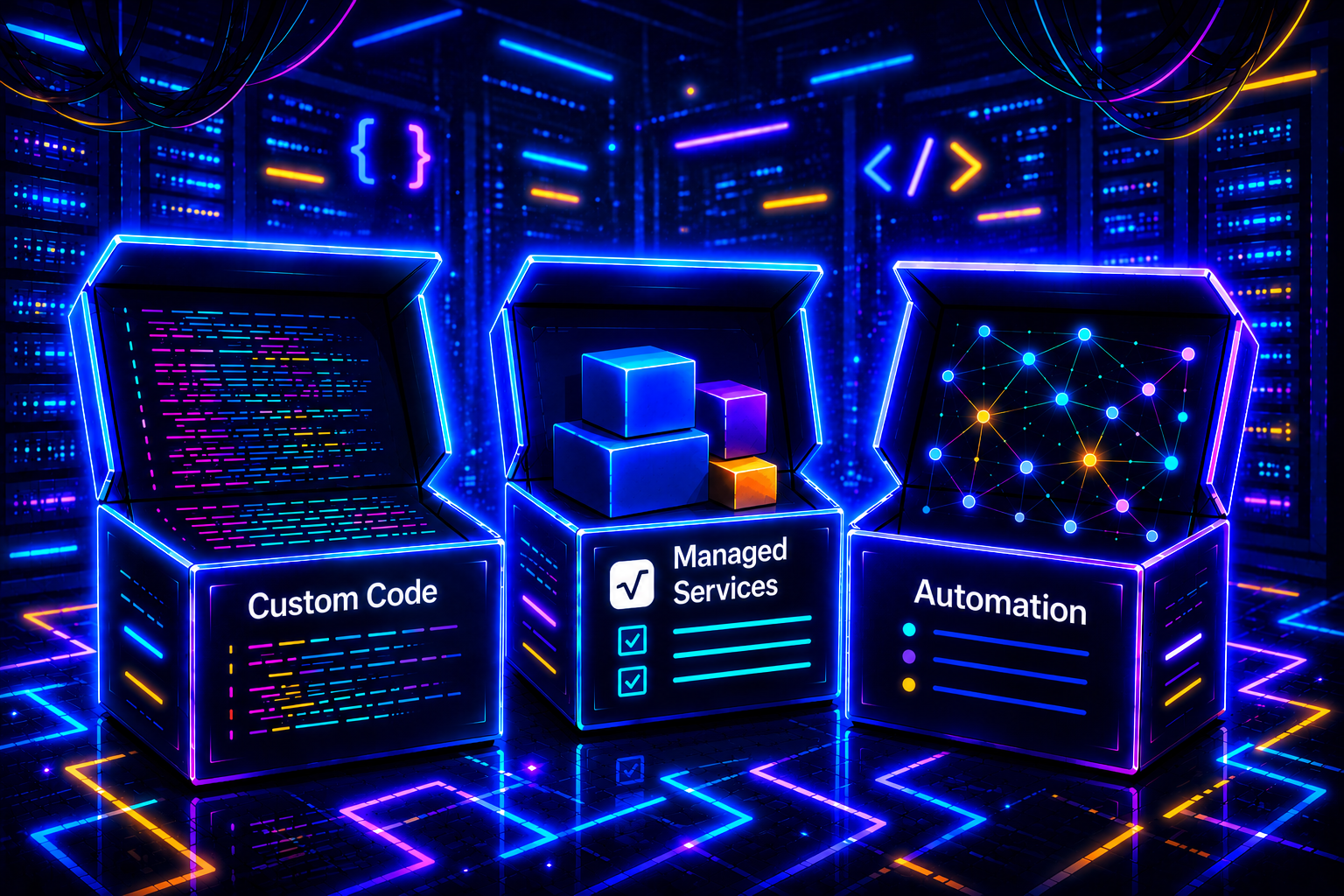
Code everything, or not?
When you build your SaaS with Cursor, Bolt, or Claude Code, AI can write pretty much anything. So you ask it for everything. The contact form that sends an email, the automatic reminder for clients who haven't paid, the lead sync into your database, the weekly recap in your Slack.
Three months later, your code has doubled in size. Half of it has nothing to do with your product. And if you haven't thought through your architecture, every time you change one thing, something else breaks.
Let's be clear: if you're comfortable with code, doing everything custom is a perfectly valid path. You keep total coherence, you only have one brick to understand, and you can do very fine-grained things no third-party tool will let you do.
But if you're not 100% comfortable with code, or if you'd rather focus your energy on your product instead of your internal workflows, automation becomes an interesting option. Not a dogma, just a trade-off.
What you gain by automating (and what you lose)
1. Fewer custom bricks to maintain
If you code your invoice sending, your overdue payment reminders, and your CRM sync, that's just as many pieces of code you'll have to read, test, and fix when something changes.
With automation, these workflows live in a dedicated tool, outside your code. When the Stripe API changes, you adjust two blocks in a graphical interface. You don't have to dive back into your production code.
The flip side: logic gets split between your code and your automation tool. If you're debugging a weird behavior, you have to look in both places. That's a bit of extra mental overhead.
2. You reuse what already exists
Sending an email after 7 days of inactivity. Creating an invoice in your accounting tool when a Stripe payment comes in. Notifying your Slack when a new lead fills out the form.
These patterns have existed in "press-the-button" form for 10 years. On an automation tool, you connect two blocks, done. In code, it's doable cleanly, but it costs you hours you're not spending on your product.
3. The trade-off to know about: more inter-dependencies
This is the real price of automation, and it matters to be aware of it.
When you code everything, you have one brick to monitor: your app. When you automate, you have your app, plus n8n (or Zapier), plus every connected service (Stripe, Gmail, Slack, your CRM, etc.). If any of them goes down or changes its API, your workflow breaks.
That doesn't mean it's fragile. Serious tools handle retries, errors, notifications. But you go from a system you fully control, to a system where you orchestrate third-party tools. That's a different skill.
A framework to help you decide
No absolute rule. But two questions that save you time when you're hesitating:
1. Will my users see this feature?
2. Am I comfortable coding it cleanly and maintaining it?
- Seen by users → it goes in your code, almost always.
- Not seen, and you're comfortable coding → either works. If the logic is simple and well-isolated, keep it in code. If it stacks integrations (Stripe + email + Drive + Slack), automate.
- Not seen, and you're not comfortable → automation. You'll gain time and peace of mind.
Concrete examples.
| Need | Product side or ops side? |
|---|---|
| Sign-up, login, user profile | Code, ideally via Auth0 / Clerk / Supabase Auth |
| Pricing page, payment | Code, ideally via Stripe Checkout |
| Customer dashboard | Code (custom) |
| Welcome email after sign-up | Code OK, automation faster |
| Reminders for clients who haven't paid | Automation recommended |
| Monthly accounting export to your accountant | Automation recommended |
| Slack notification on every new client | Automation recommended |
| HubSpot ↔ database lead sync | Automation recommended |
| Automatic invoice generation | Depends on your skill level |
The framework isn't absolute. A critical transactional email often stays in code. Complex business logic too. But as a starting point to arbitrate, it helps.
An important nuance: managed services
Between "code everything from scratch" and "automate everything via n8n", there's a third path many people forget: managed services.
Auth0, Clerk, or Supabase Auth for authentication. Stripe Checkout for payments. Resend or Postmark for transactional emails. Sentry for error monitoring.
This isn't n8n, and it isn't from-scratch code either. You write code (to call the API, handle redirects, secure your routes), but you don't reimplement the sensitive bricks. Password hashing, session management, 2FA, OAuth, PCI-DSS compliance for payment, that's their job.
For 99% of founders, this is the right approach on those topics. Coding your own auth system is rarely a good use of your time, and it's often where security holes settle in. When I say "it goes in your code" for sign-up or payment, I almost always mean via a managed service.
Which automation tool to pick?
You have two main families.
The classic "no-code" tools
Zapier, Make (formerly Integromat), n8n. You connect apps to each other with "if this, then that". No code, or very little.
- Zapier: simplest, most expensive. Good to start.
- Make: more powerful, moderate learning curve, fair pricing.
- n8n: open source, self-hostable, free if you self-host. Most powerful of the three on complex workflows, and full ownership of your data.
For simple needs, Zapier or Make do 90% of the job.
For someone with data constraints (healthcare, accounting, sensitive sectors) or who wants to avoid paying €200/month in subscriptions, n8n is the right pick. But you need to know how to install it, or get help.
Custom AI agents
This is the new wave. You want an agent to read your emails, understand the context, and trigger an action. You want it to extract info from a PDF invoice and push it to your accounting tool. You want it to qualify your leads before routing them to the right salesperson.
That goes beyond classic no-code. You have to combine an automation tool with an AI layer, and that's where things get really powerful. It's also where it starts demanding real know-how.
The case study: invoicing
Picture this. You sell a subscription at €49/month. You use Stripe to collect. Your accountant wants one invoice per client at the end of the month.
Code everything: you add a route to your SaaS that listens to Stripe webhooks, generates a PDF, sends it to the client, archives it, and forwards it to your accountant. If you can isolate that code well (a dedicated module, tests, clean logging), it's a clean solution. You control everything, you only have one system to monitor. Plan for 2 or 3 days to set it up properly.
Automate it: Stripe sends an event to n8n (or Zapier). The tool generates the invoice from a template, sends it to the client, pushes it to Google Drive, and forwards it to your accountant. You set it up in an afternoon with someone who knows what they're doing. When you want to add a condition, you open the workflow and fix it in 5 minutes. The trade-off: you depend on Stripe and n8n and Drive and the email service. Four links instead of one.
Both approaches are defensible. The question isn't "which is better", it's "where do I want to spend my technical time?". If you want to spend it on your product, automation frees you up. If you want to control everything end-to-end, custom code does the job just fine.
If you go the automation route, get help
My job is the code side: architecture, security, deployment, everything that makes your product hold up when it starts to matter. That's where I'm most useful to the founders I work with.
For the automation side, I prefer pointing toward people whose actual job that is. Building an n8n workflow that doesn't break in production takes knowing the tools, the monitoring best practices, and the gotchas.

I work with Dazz Studio, a French agency led by Rémi Carbonne, specialized in n8n and AI. They handle back-office workflows (invoicing, data extraction, AI agents) and have real expertise on regulated sectors (healthcare, accounting, GDPR/HDS).
What I like about their approach: it's open source, so you stay the owner of your workflows. No dependency on a vendor that can triple their pricing overnight. Same logic I defend on the code side: avoid tools that hold you hostage.
If you want to figure out what you can automate in your case, they offer a free 45-minute express audit. Good starting point before deciding what to keep in code and what to externalize.
What to keep in mind
Coding everything or automating isn't a moral dilemma, it's a trade-off of time and skill.
If you're comfortable with code, custom gives you a coherent system, one brick to understand, and real control. That's what I recommend for your product, and it's perfectly viable for back-office too if you want to put the energy in.
If you'd rather focus your energy on your product, or if you're not yet solid on slightly sensitive workflows (payment, mailing, customer data), automation saves you time. You pay for it in inter-dependencies: more third-party tools, more links to monitor. But you free up mental bandwidth, which can make a difference when you're starting out.
The right reflex before adding a new feature: ask yourself where it best belongs, and where you are best equipped to build it.
Want to build a product that holds up?
You're vibe coding, your product is moving fast, and you can feel the complexity climbing. Architecture, security, deployment: that's where solid foundations matter.
If you want concrete advice on building with AI without face-planting, sign up for the newsletter. No spam, just what you need to know.
And if you want to take your project to the next level, check out our offers. I lay the foundations while you keep building.